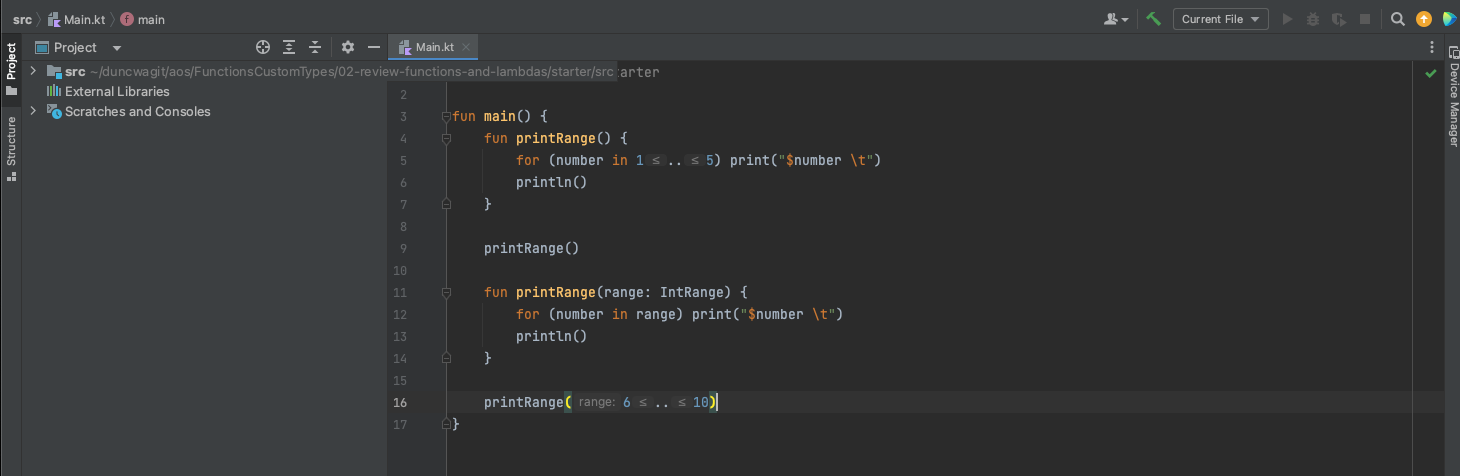
At which folder in the downloaded materials should I open the project? For some reason I can not run the code because the run button is inactive/disabled when I open the project from the folder FunctionsCustomTypes or 02-review-functions-and-lambdas or starter or src or the file Main.kt. Am I missing a configuration setting in my IntelliJ IDEA CE setup?
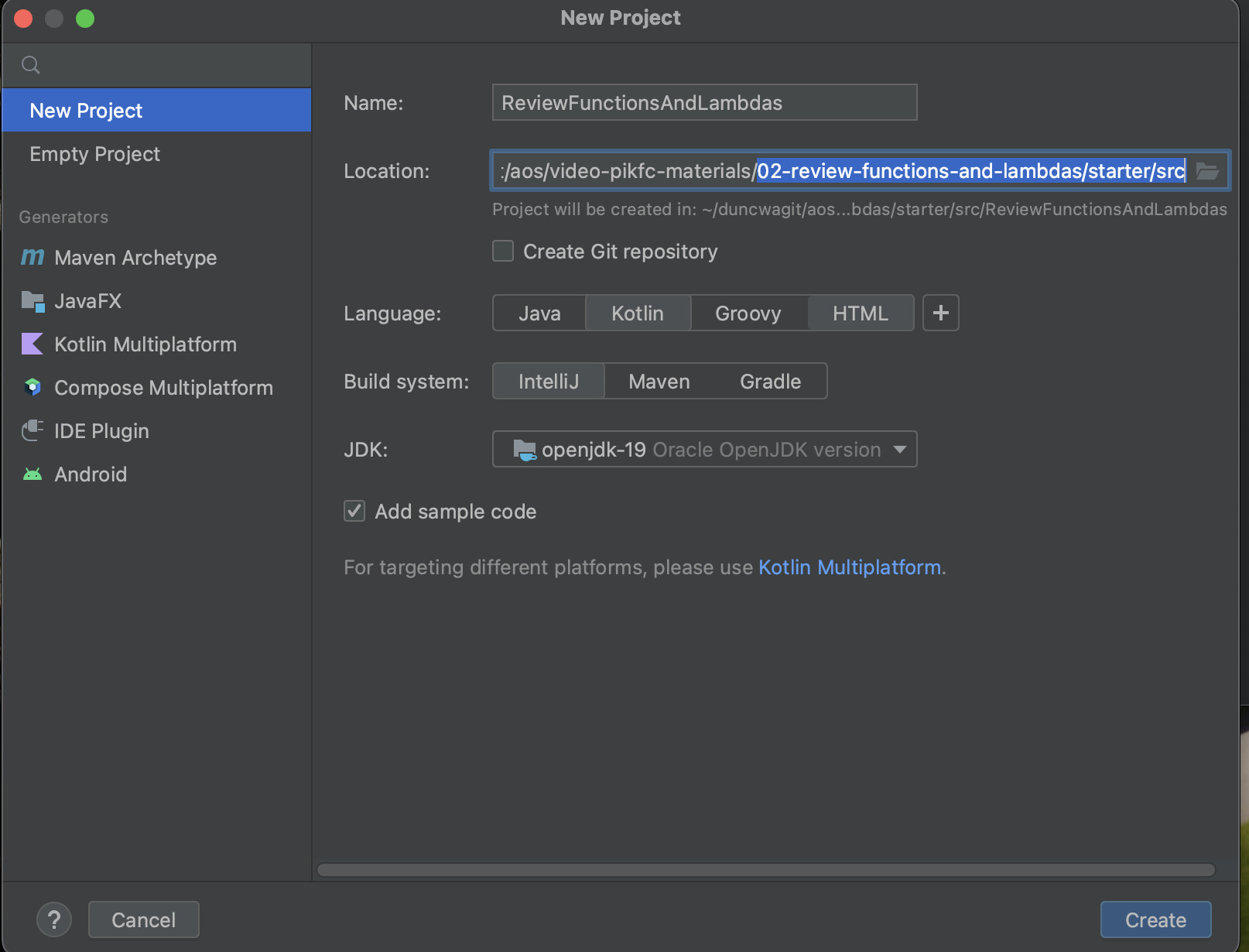
TLDR: After downloading course materials, open the highlighted folder to right of Location: as a New Project. (see image)
StackOverflow solution.
1 Like
After the first course, I will have to say, this is one of the best courses simply because the instructor clearly describes what she is doing using Kotlin’s construct’s names. “A lambda is an unnamed function” and “overload the createRange function” and then proceeds to do that so that I can clearly see the difference between the two. Well done. I have been going through the Android & Kotlin for Beginners and this is the 6th and final course set. The Second Kotlin App course was very difficult to follow due to the tendency of the instructor to not clearly explain specific actions like the First Kotlin App course and this course, regardless, I completed The Second Kotlin App as I did not want to start something and not finish it.
1 Like
Hi @duncwa , thank you sharing your fix to the issue as well as feedback on the courses :]
We will make sure to integrate your feedback in the update to the course
1 Like